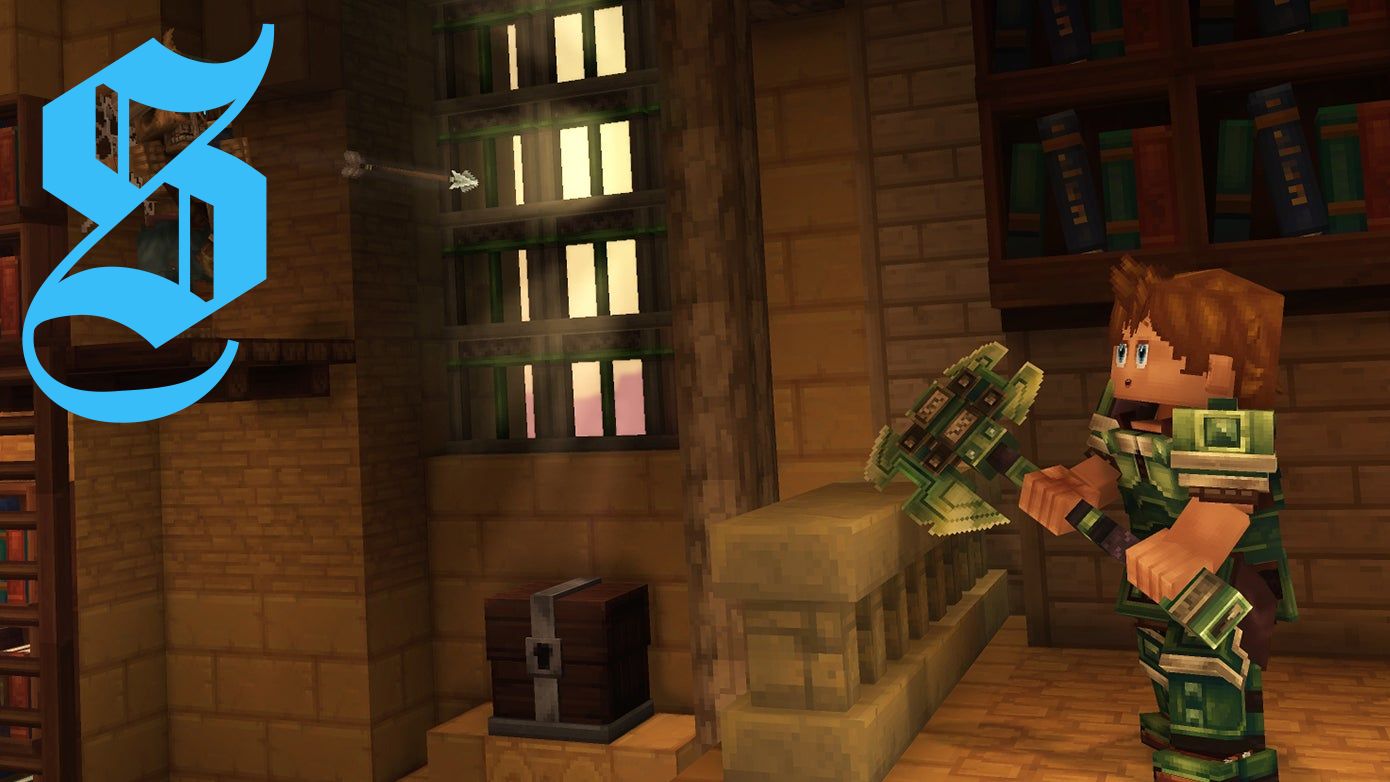
Knowing how to use the third person camera in Hytale is incredibly useful if, like me, you have a tendency to get motion sickness from first person camera games. (Playing Portal was a time for all the wrong reasons.)
Though you may find the third person camera useful when it comes to building, exploring or simply taking the perfect screenshot!
So take a look down below where I'll show you how to use the third person camera in Hytale!
How to use third person camera in Hytale
If you want to play Hytale using a third person camera, then you need to visit the 'Settings' from either the main menu or via the pause menu if you're in-game.
Once there, select the 'Gameplay' menu and scroll down until you find the 'Camera' subsection. Here the first option will be 'Camera Preference (On Spawn)' and selecting it will offer three options: First Person, Third Person, Remember Last Used. To use the third person camera, select 'Third Person'.
Congratulations! You're hopefully no longer at risk of motion sickness in Hytale!
Just note that, if you altered this setting in-game, you will need to re-spawn to make it come into effect. The easiest way to do this is to leave and re-enter the world you're playing in.
Other third person camera settings
If you're playing Hytale using the third person camera settings, then there are a number of other settings you may want to pay attention to.
The first is the 'Camera Shoulder' setting found in the 'Camera' subsection of the 'General' setting menu. This will let you pick whether the camera will be focused over the right or left shoulder of your avatar. It is automatically set to right.
The second is the 'Third Person Camera Shake Intensity' setting found in the 'Camera' subsection of the 'Gameplay' setting menu. As the name suggests, this lets you control the strength of the camera shaking when playing in third person. It's a setting to keep in mind if you're still experiencing motion sickness despite playing in third person. It is automatically set to 1.
Hope this helps you enjoy Hytale! If you'd like to learn more about the game, then check out other guides available.



No comments yet. Be the first to share your thoughts!