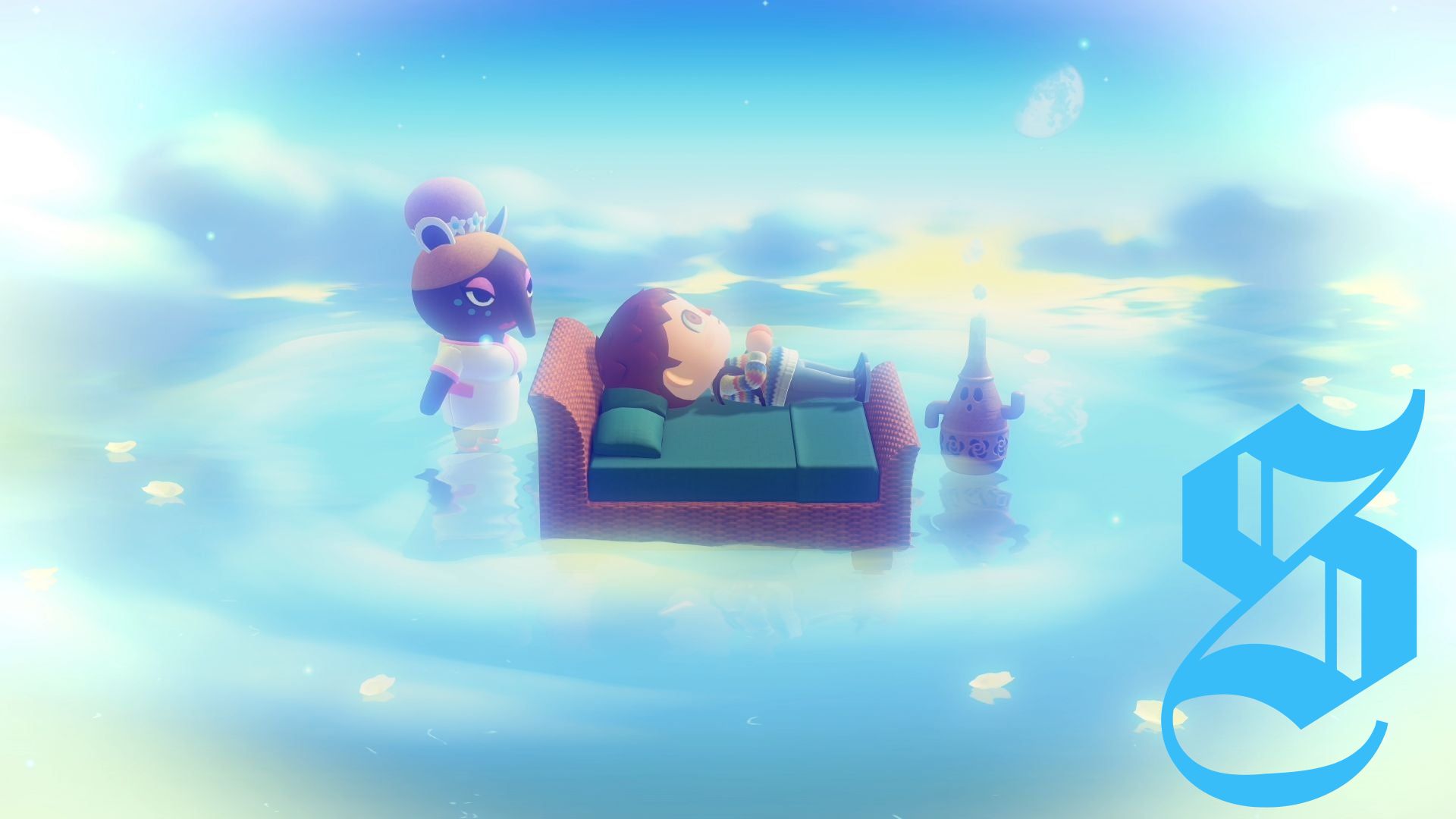
Slumber Islands provide players with additional islands that can be uniquely edited and customized within Animal Crossing: New Horizons.
This feature debuted in the 3.0 update in January 2026, allowing players to engage online solo or with friends who have a Nintendo Switch Online membership.
This guide details how to access Slumber Islands, set one up, and navigate their functionalities, including moving your home, saving your designs, and understanding any limitations.
How to Access Slumber Islands
To utilize the Slumber Islands feature, ensure your game is updated to version 3.0 or higher and you hold a Nintendo Online Membership.
Initially, you need to interact with Luna in the dream world by sleeping in a bed at least once. Following this interaction, you will receive an invitation letter the next day to access Slumber Islands.
If you haven’t visited Luna before, lie on a bed within your home to start. Sleeping in a bed placed outside or in another resident’s house won’t work. It's advisable to complete the tutorial regarding sharing and visiting dream versions of an island from a previous update.
The day after you first sleep, an option saying "it's slumber time" will appear, allowing you to access Slumber Islands, along with a letter confirming the feature's availability.
Setting Up and Editing Slumber Islands
When initiating a new island, a selection of three sizes is available:
- Small Island: Comparable in size to the Mystery Tour islands.
- Medium Island: Larger than a Mystery Tour island but smaller than your home island.
- Large Island: Similar in size to your home island.
You will also choose from various layouts, some featuring rivers and others without. Once your Slumber Island is established, you will awaken next to Luna and Lloid, who offer assistance with settings and features. After this, you’re free to explore and make edits.
Players can maintain up to three Slumber Islands at a time and can freely copy or delete these islands when visiting Luna. To name any islands, load them first, then speak to Luna and choose the "Name this island" option.
How Slumber Islands Work
Slumber Islands function as a creative sandbox within Animal Crossing: New Horizons, allowing unrestricted landscaping and furnishing of your island.
Players can incorporate trees, furniture, and flowers directly from their catalogue without the need to craft or purchase items first, provided they’ve been previously unlocked. Worrying about inventory space is unnecessary, as items you pick up will vanish and can be repurposed through the catalogue. Basic tools for digging and chopping will be provided.
For more complex actions like terraforming, players can switch editing modes by pressing the ‘plus’ button until they’re equipped with a construction hard hat. To relocate your home or set up bridges and inclines, consult Lloid, who can provide kits and additional items for treasure hunting or pranks.
There is also a blank version of your home available for custom decoration. Lloid will assist with relocating your home and external customization options.
Additionally, players can change the time, day, and weather in their Slumber Islands with the left D-Pad button.
Multiplayer on Slumber Islands
The multiplayer feature for Slumber Islands resembles the Dodo Airlines system on the main island. While on your Slumber Island, interact with Luna, select “Invite others,” and decide between a regular or expanded 12-player session (for players using the Nintendo Switch 2 Edition). You can choose to allow access based on your friends list or share a Doze Code to include other players.
Saving and Quitting a Slumber Island
As an online feature, Slumber Islands automatically save at set intervals, indicated by a save icon in the corner. You will also be prompted to save when leaving the island, which can be done by pressing the ‘minus’ button or resting in your bed.
Limitations of Slumber Islands
While Slumber Islands offer a flexible design environment, certain limitations exist:
- The customization options mirror what's available on your main island, meaning you'll need to unlock new items there to use them here.
- Items collected from the island, such as fish and seasonal objects, do not return to your inventory.
- This feature requires a reliable internet connection; if connectivity is lost, you can reconnect when the game resumes.
Enjoy crafting the island of your dreams!



No comments yet. Be the first to share your thoughts!