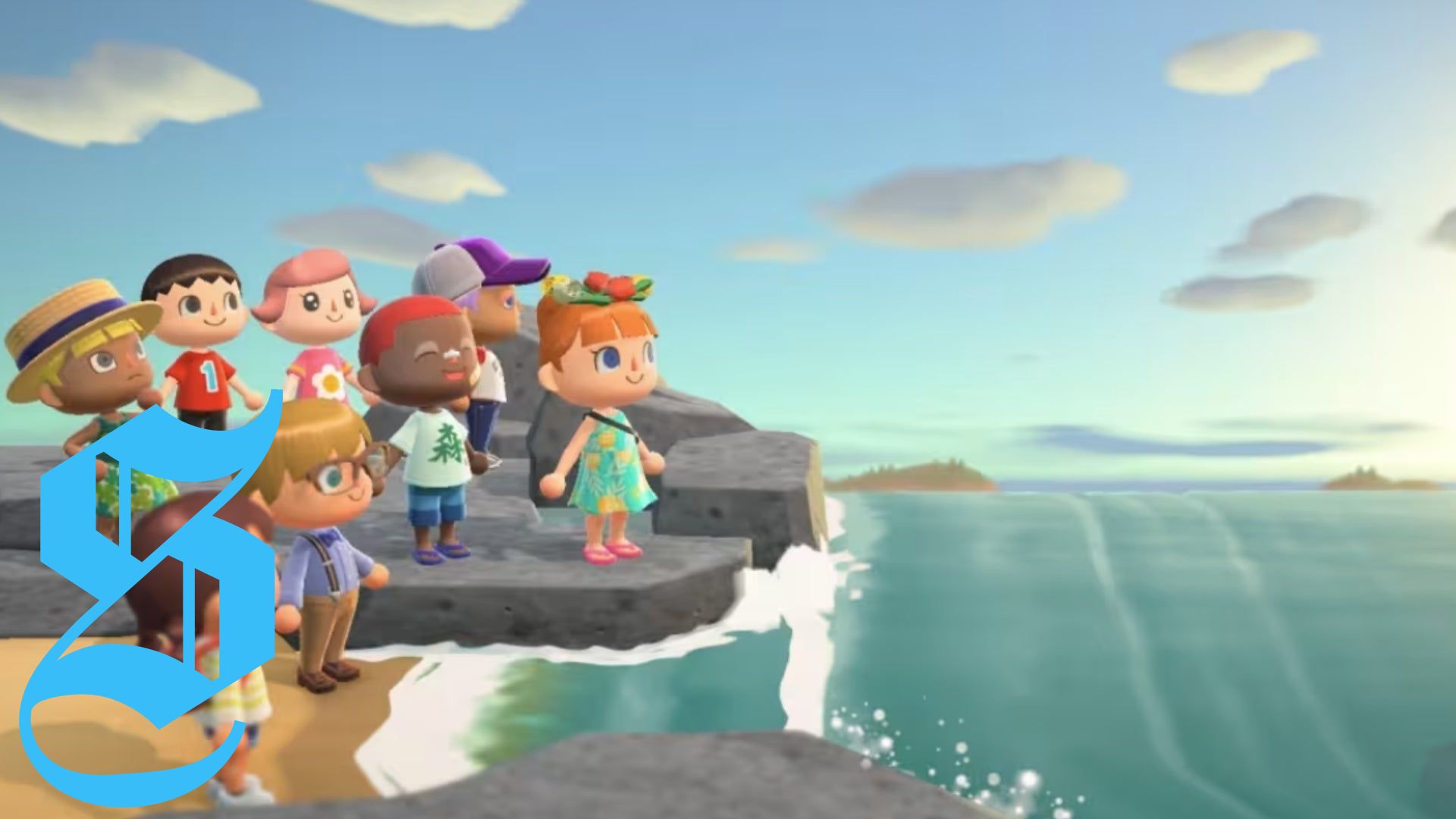
Multiplayer in Animal Crossing: New Horizons plays a crucial role in enhancing the island experience, enabling interactions with both friends on the same island and players on different islands.
In Animal Crossing: New Horizons, you can effortlessly visit friends' islands, invite them over, and even enjoy local multiplayer gameplay. This guide explores the various ways you can have fun with friends while escaping reality.
Let’s dive into our Animal Crossing: New Horizons multiplayer guide, which covers visiting players, inviting friends, party play mechanics, and highlights a few multiplayer restrictions.
Understanding New Horizons Multiplayer
Animal Crossing: New Horizons offers three primary multiplayer options:
- Party Play - Engage with other players who share your island in local multiplayer.
- Inviting Players - Welcome friends to your island, whether online or locally across different Switch consoles.
- Visiting Players - Travel to other players' islands online or locally, again across different consoles.
To invite or visit other players, you need either a local wireless or internet connection, along with a Nintendo Switch Online membership for online gameplay.
You can host up to seven visitors on your island, making it an exciting social space.
For communication, NookLink via the Nintendo Switch Online app enables chat through text or voice, but it’s not necessary for playing online.
While Party Play allows players to explore the island together, it does require extra controllers, and it is limited to players who reside on the same island.
Inviting Players to Your Island
To invite friends to your island in New Horizons, head to the Dodo Airlines airport, which becomes available 24/7 after your first day in the game.
Keep in mind that you won’t be able to use multiplayer options until the second day of gameplay. Until then, the character Orville will inform you that more setup is needed.
Here's how to invite players:
- Talk to Orville and select 'I want visitors.'
- Choose between Local Play or Online Play.
- Open your gate and decide whether to invite 'All my friends!' or to use a Dodo Code.
- For Dodo Code invitations, your friends must enter this code at their airport to join.
- If your gate is open, it will appear for them to connect.
Visiting Other Players' Islands
To visit another island, speak to Orville at the Dodo Airlines Airport.
Follow these steps:
- Talk to Orville and select 'I wanna fly!'
- Choose 'I wanna visit someone.'
- Select between Local Play or Online Play.
- If choosing Local Play, confirm you're nearby to the host.
- If opting for Online Play, select 'Search for a friend' or 'Search Via Dodo Code' to find the island you wish to visit.
Once at either type of island, it’s recommended to add new friends as Best Friends through the app, enabling you to see when they are online and allowing them to interact with your island more freely.
Party Play and Local Multiplayer
Party Play allows multiple residents to enjoy the island together, accommodating up to four players on the same console.
Start Party Play by selecting Call Islander on your NookPhone to invite up to three friends from the same console.
One player becomes the Leader, guiding the group while Followers can take on various activities such as fishing or exploring together.
Only the Leader can interact with residents or shop, with Followers needing to switch leadership to accomplish those tasks.
Multiplayer Restrictions
New Horizons has a few minor restrictions for multiplayer gameplay:
- No access to Dodo Airlines during the first day of gameplay.
- All players must have a Nintendo Account linked to their Switch for Party Play.
- Visitors face some tool limitations to protect the integrity of islands.
However, being registered as a 'Best Friend' lifts some restrictions, allowing use of various tools at each other's islands.
For additional insights on Animal Crossing: New Horizons, explore our further guides encompassing amiibo support and more.


No comments yet. Be the first to share your thoughts!