
One of the standout features of the 3.0 update for Animal Crossing: New Horizons is the exciting introduction of Slumber Islands. This feature allows players to fully customize additional islands, offering greater creative freedom than your typical home island. You can also collaborate with friends on these new islands. In this guide, we'll walk you through accessing and using the Slumber Islands feature.
The 3.0 update also brings a new Resort Hotel to explore and an upgraded way to maintain your island with Resetti's Reset Service. Check out our complete guide hub for Animal Crossing: New Horizons to discover additional details, such as starter tips, information on timed seasonal events, and upgrade guides.
Accessing Slumber Islands
To start using Slumber Islands, you must meet a few requirements. First, you'll need to ensure your game is updated to version 3.0—check the top right corner of the main menu loading screen for confirmation.
Secondly, since this feature is an online mode, an active Nintendo Switch Online subscription is essential for accessing Slumber Islands.
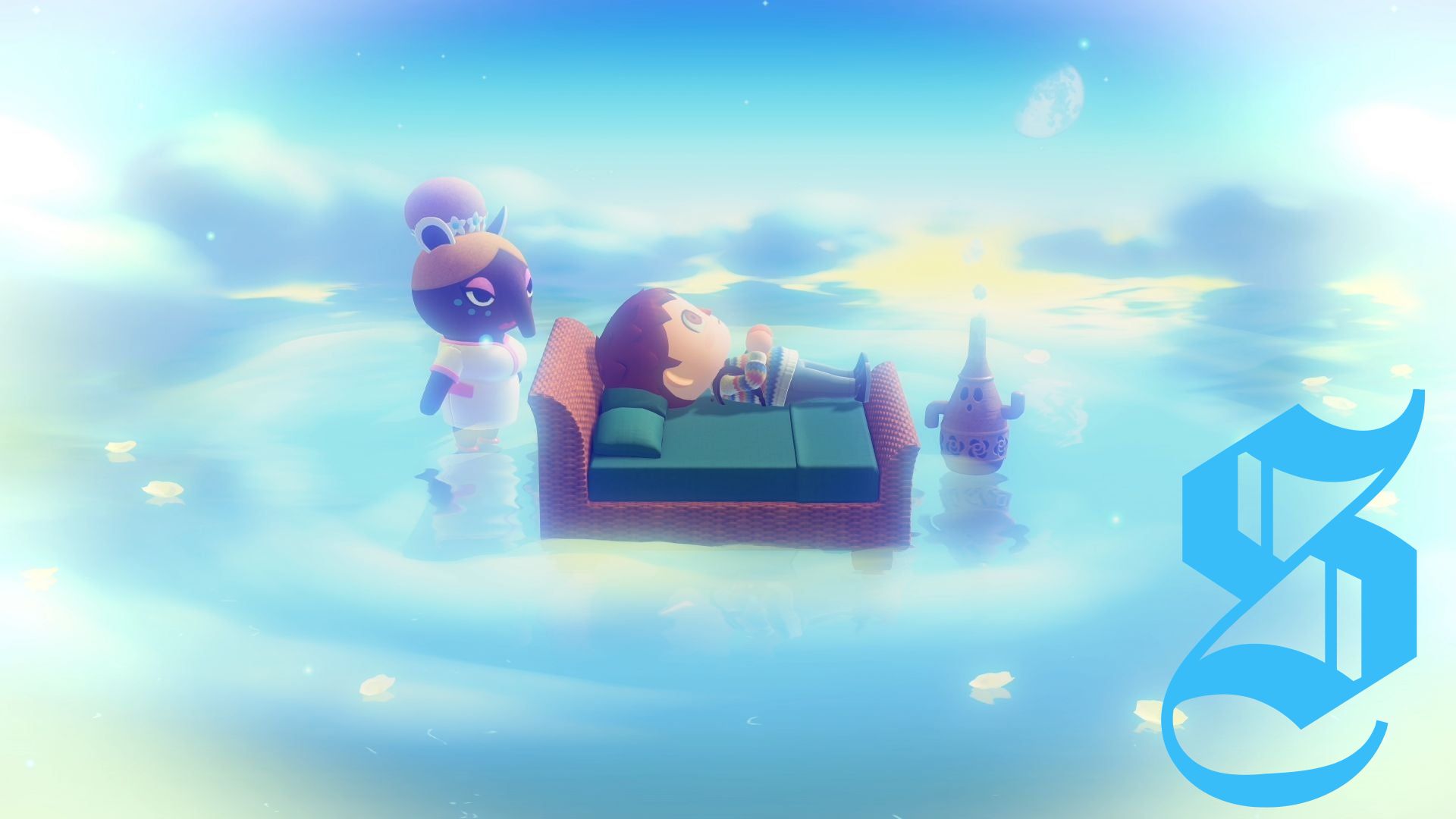
Lastly, you will need to receive an invitation from Luna via your mailbox. If you're a new player or haven't visited Luna yet, you'll have some initial steps to complete. Progress until your tent is upgraded to a house, then place a bed inside and sleep in it. This will allow you to meet Luna for the first time, where she'll introduce you to the world of dreams within Animal Crossing.
When Luna offers her assistance, select the option to share a dream. This action uploads your island to her dream library, generating a unique code for your island's dream version. After that, you can wake up and the following day, a letter from Luna will arrive, inviting you to Slumber Islands and providing a new sleep option called 'It's slumber time.'
Understanding Slumber Islands
Slumber Islands offers a sandbox-style experience reminiscent of Creative mode in games like Minecraft, removing certain progression barriers so that players can focus entirely on decorating and customizing without worrying about resource limitations. You have the choice to create your own islands or join a friend's.
You can create up to three Slumber Islands, with options for one of three sizes:
- Small: Similar in size to the Mystery Tour islands
- Medium: Larger than a Mystery Tour island, yet smaller than your home island
- Large: Comparable in size to your home island
After selecting the size, you can choose from various island layouts, which may include rivers or be completely flat with no terrain changes. Additionally, you can delete any island at your three-island limit if you wish to start anew.
Naming Your Island
Luna will allow you to name your island. Don’t worry if you can’t decide right away; you can always name your Slumber Island later by speaking to Luna.
Decorating Your Slumber Islands
Once you've chosen the size and layout of your island, you can start decorating by placing any item registered in your catalog without using crafting materials. You can put down as many items as you'd like!
Here are some customization options available on Slumber Islands:
- Change your appearance using the wardrobe on the dock
- Terraform by adding or removing cliffs
- Move or redesign your house
- Add or demolish bridges and inclines using Lloid
- Place any furniture, plants, and decor from your catalog
- Change the time and weather (by pressing Left on the D-pad)
Keep in mind that these islands exist in a dream world. Changes made on Slumber Islands will not transfer to your home, meaning:
- You can't change your permanent appearance here
- No items harvested or caught will return home
Adding Residents to Slumber Islands
You can select residents from your home island to add to your Slumber Island through the Residents tab in your inventory. Residents can be easily placed or removed.
Inviting or Joining Friends
Slumber Island is designed for full cooperation. You can team up with friends to customize islands together, but remember that everyone involved needs a Nintendo Switch Online subscription.
If you're playing on the Switch 2 edition, you can enjoy sessions of up to 12 players. However, if you're using the original Switch, Switch Lite, or Switch OLED, the maximum number of players in a session is limited to eight.


No comments yet. Be the first to share your thoughts!